Copy the video to your device, choose MP3 at 192 kbps and keep the original. For speech-only interviews, 128 kbps usually makes a smaller file.
An eight-minute 4K MOV clip can exceed 1 GB, while its 192 kbps audio is approximately 11.5 MB. The 4K picture resolution does not increase MP3 size.
Locate the original file
On a phone, the video may be in Photos, Gallery or Files. For a camera, copy the card to your computer before converting. Working from a copy avoids relying on the card and protects the source material.
Step-by-step conversion
- Open ConvertAudio in a current browser.
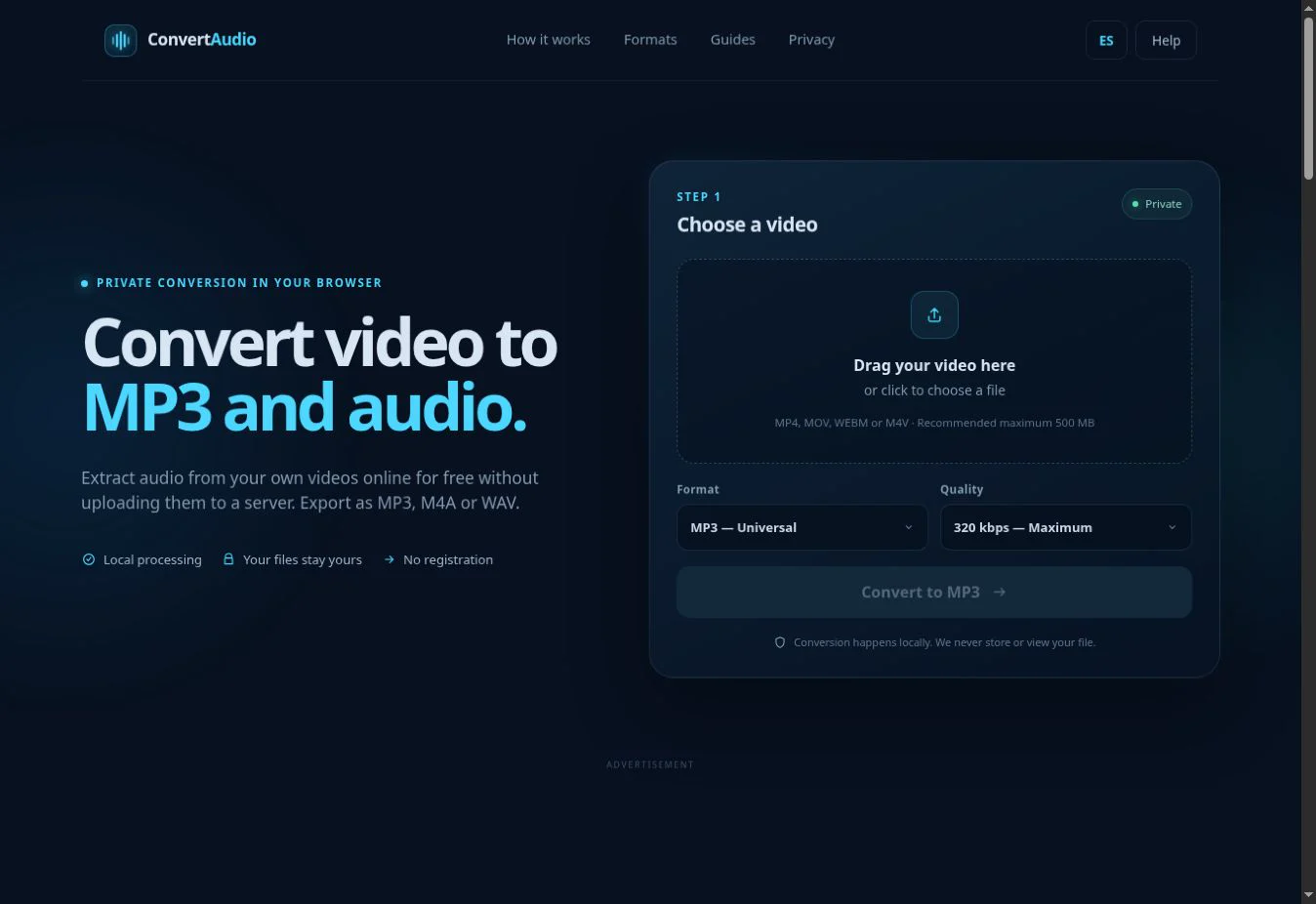
- Select the MP4, MOV or M4V file.
- Choose MP3 and 192 kbps for general use.
- Check the duration and estimated size.
- Convert and download with a descriptive name.
Interview, music or ambience
A clean interview often works well at 128 kbps. If the camera captured music, crowds or ambience, 192 or 256 kbps preserves more detail. Choose 320 kbps only when the microphone and source track offer enough quality.
Channels and routing
Some cameras record an external microphone on one channel and the built-in mic on the other. ConvertAudio preserves the incoming arrangement when encoding. If you need to mix channels, remove noise or select one side, edit the extracted audio in a dedicated app.
What is not preserved
The MP3 contains sound but not the image, camera thumbnail, stabilization data or visual metadata. We do not automatically add title, artist or cover art. The original video remains unchanged on the device.
Frequent problems
- A MOV can use an unusual audio codec even though its extension is supported.
- Large 4K clips can exceed mobile browser memory.
- A silent camera track produces a silent MP3.
Keep a traceable original
Do not rename or delete the camera source until you have listened through the extracted file. A descriptive copy such as interview-2026-09-24-192kbps.mp3 makes the export settings clear while leaving the camera filename available for verification.
For important recordings, compare the first, middle and final minute with the video. This catches missing sections, channel problems and silent endings before you share or archive the MP3.
Convert your own video
Check the estimated size and process the file directly in your browser.
Open ConvertAudio