For a class or meeting, use MP3 at 128 kbps when speech dominates. Keep the original video and process only recordings you own or are authorized to use.
A 55-minute class at 128 kbps is approximately 52.8 MB. At 192 kbps it rises to about 79.2 MB, often without a clear benefit when the source is a laptop microphone.
Prepare the recording
Play a few seconds near the beginning, middle and end to confirm that it contains a continuous audio track. If the meeting is confidential, local conversion avoids sending it to a server, but the device and downloaded file still need protection.
Recommended steps
- Select the MP4, MOV, WEBM or M4V file.
- Choose MP3 at 128 kbps for speech or 192 kbps when music and demonstrations matter.
- Review the estimated size before starting.
- Keep the tab open until the download appears.
- Rename the file with its date, course or project.
Why 128 kbps is usually enough
Speech occupies a narrower frequency range than music. If the microphone already compressed the signal, moving to 320 kbps cannot restore clarity. A lower bitrate saves storage and makes it easier to upload the audio to a learning platform or phone.
Organize the result
Use consistent names, such as 2026-09-24_history_topic-3.mp3. Keep a separate note with important timestamps. ConvertAudio does not add chapters or transcripts, so that information must be stored separately.
Consent and privacy
Before converting or sharing a meeting, check that participants knew it was recorded and that you may keep it. Local processing protects the transfer but does not replace consent or confidentiality obligations.
If the recording is too long
Mobile browsers have less memory. If a multi-hour class does not finish, split the video with your device editor and convert the segments. On desktop, close demanding apps and prevent the computer from sleeping.
Convert your own video
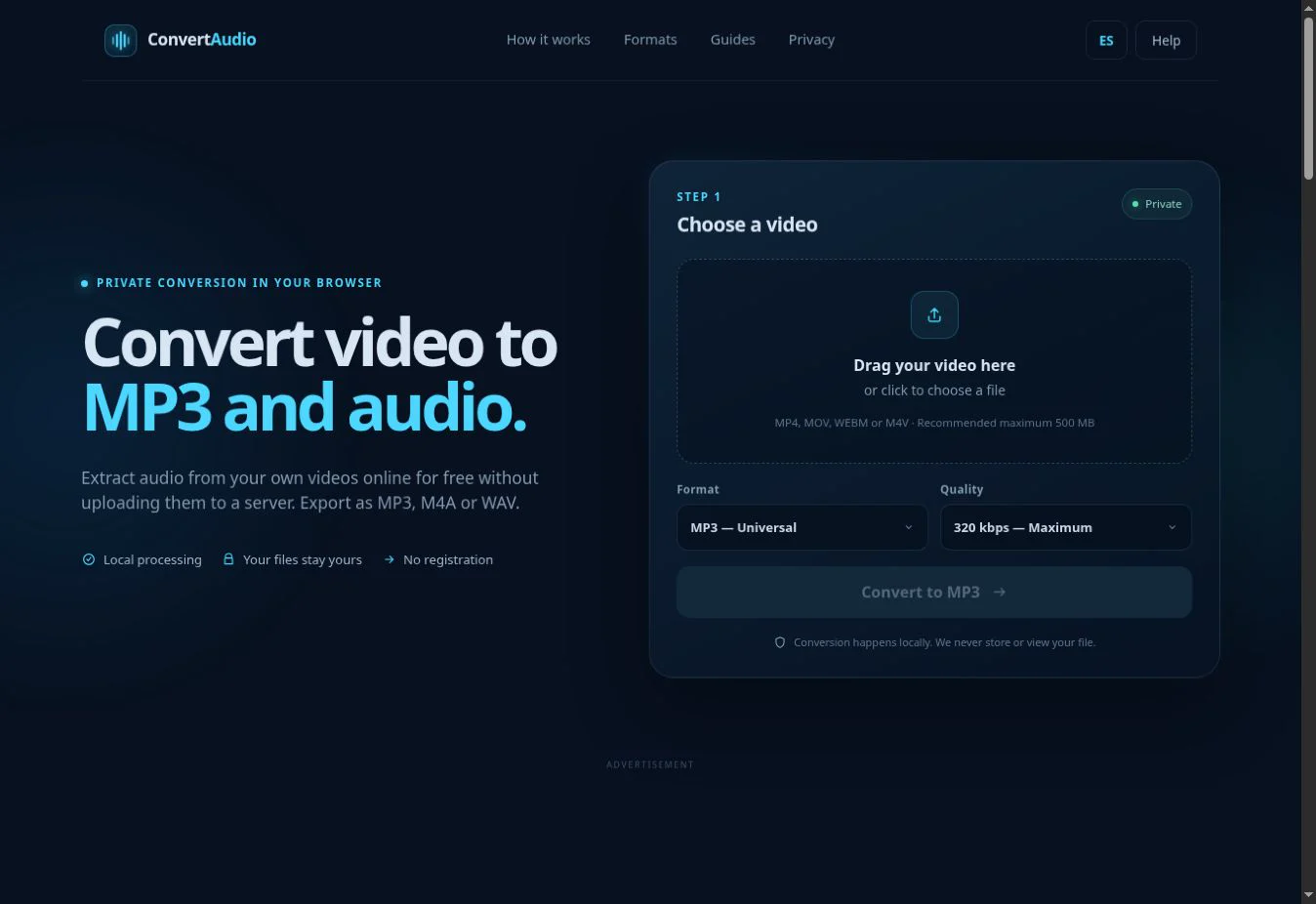
Check the estimated size and process the file directly in your browser.
Open ConvertAudio