Use a computer when possible, close heavy tabs and split multi-hour recordings. Choose MP3 at 128 kbps for speech or 192 kbps for mixed content.
Two hours of speech at 128 kbps produces approximately 115.2 MB of audio. The source video may occupy several gigabytes and require much more memory during processing.
Why long videos use so much memory
The audio output may be small, but the browser still needs access to the video file and WebAssembly engine. On phones, the operating system can close a tab that consumes too much memory. ConvertAudio's 1 GB limit does not guarantee that every device can process files near that size.
Prepare the device
- Connect the device to power.
- Close games, editors and video-heavy tabs.
- Temporarily disable power saving that suspends the browser.
- Keep enough free storage for the download.
- Do not lock the phone or switch apps during conversion.
When to split the video
If it is several hours long, exceeds 500 MB or has already failed, split it into 20–45 minute parts with your device editor. Convert each segment and number the files. ConvertAudio does not join audio, so this works best when chapters are acceptable.
Recommended format
For lectures and meetings, MP3 at 128 kbps controls size. For concerts or music-heavy material, 192 or 256 kbps preserves more detail. WAV can reach hundreds of megabytes per hour and is rarely suitable for long recordings unless you plan to edit.
Conversion time
There is no fixed duration-to-time ratio. It depends on processor speed, browser, input codec and storage speed. Keep the tab open even if progress is slow. If the device becomes excessively hot, cancel and use shorter segments.
After a failure
Reload the page to release memory, try the first segment and confirm it contains sound. If it always fails at the same point, the video may be damaged or use an unsupported codec.
Convert your own video
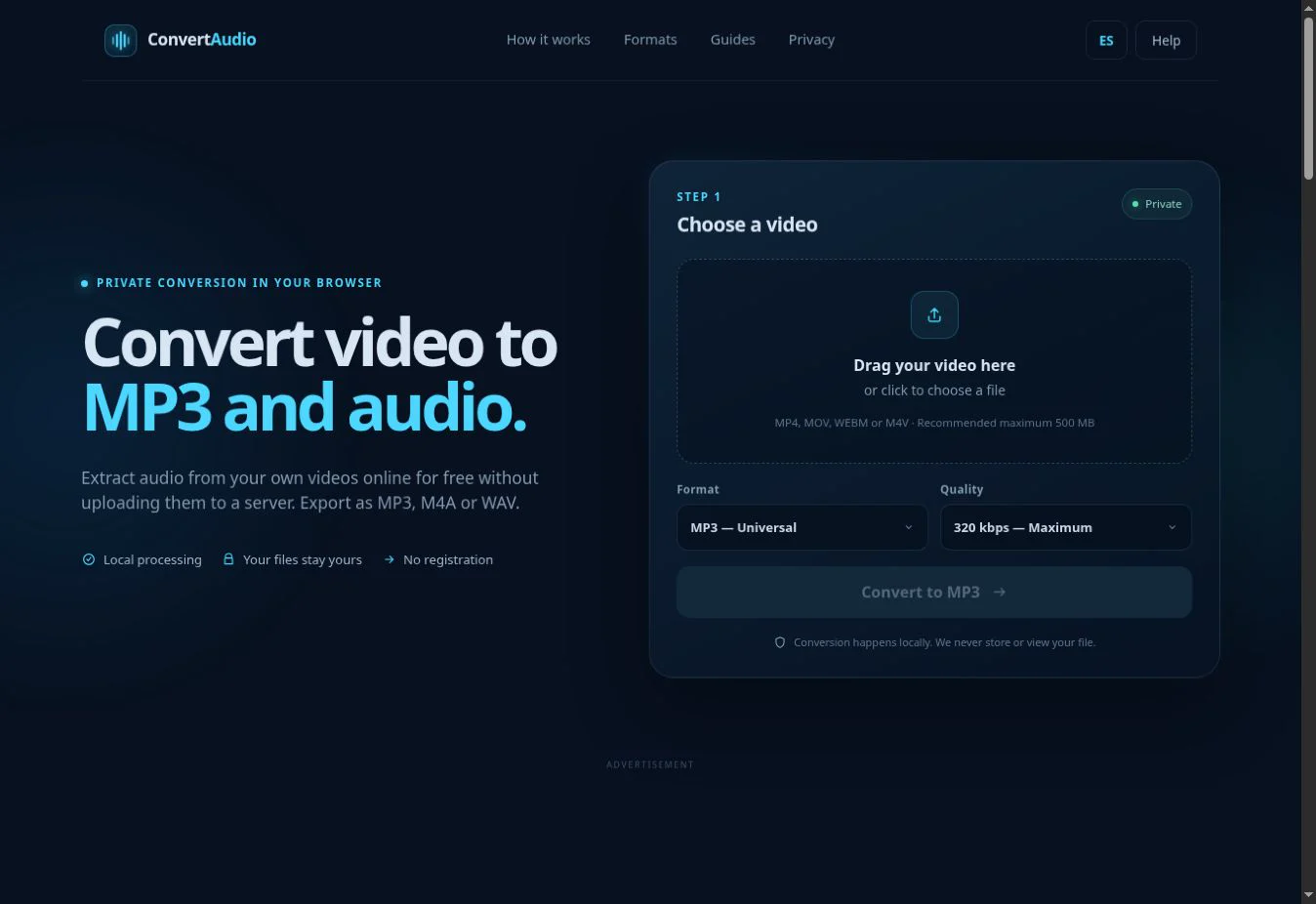
Check the estimated size and process the file directly in your browser.
Open ConvertAudio