Choose MP3 or M4A and lower the bitrate. 128 kbps is often enough for speech; 192 kbps is a safer balance for music and general use.
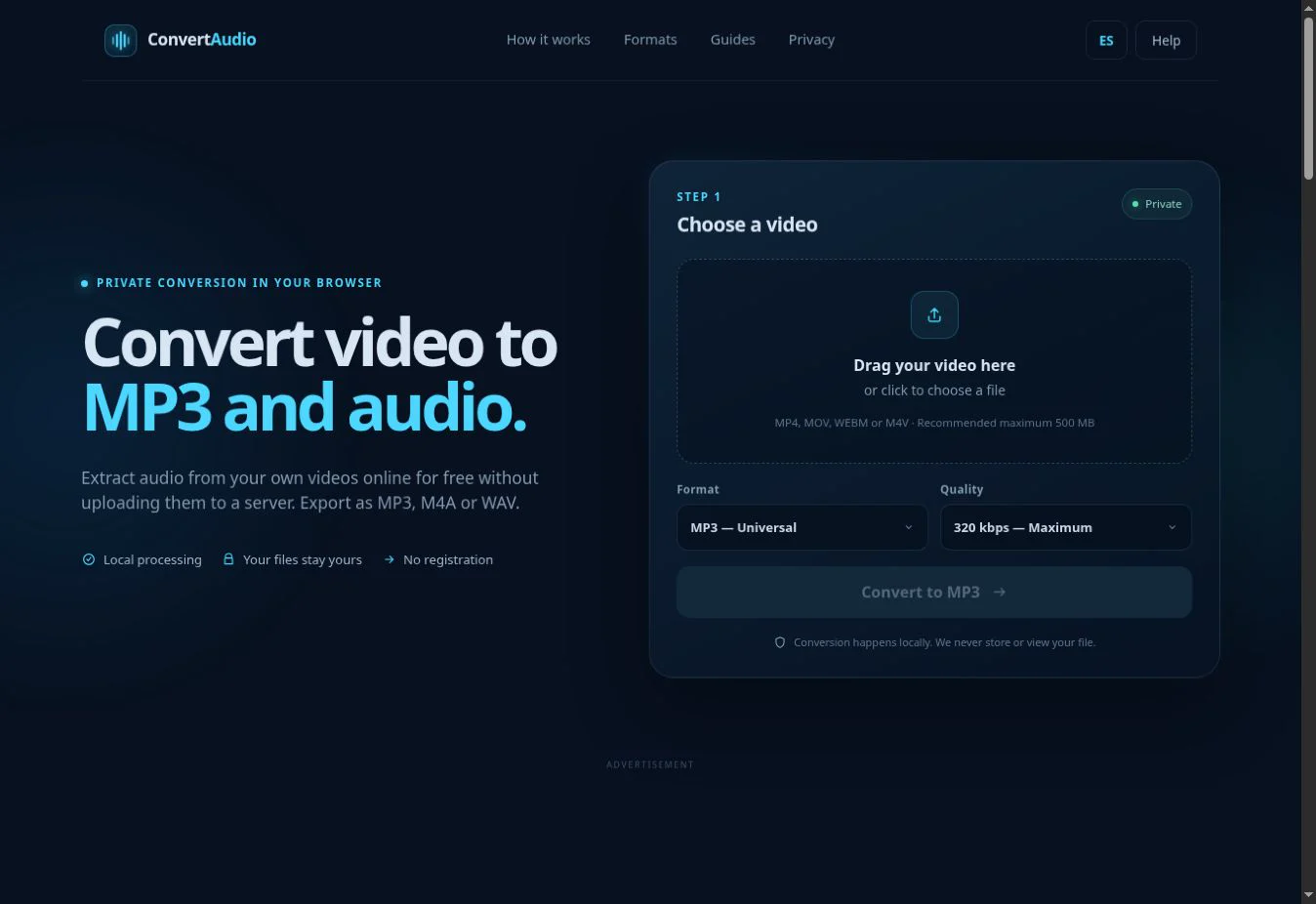
A 20-minute video produces about 19.2 MB of audio at 128 kbps, 28.8 MB at 192 kbps and roughly 48 MB at 320 kbps. Container overhead and metadata can change these figures slightly.
The formula behind file size
With constant-bitrate MP3 and M4A, size is approximately duration multiplied by bitrate and divided by eight. One minute at 128 kbps is about 0.96 MB; at 192 kbps, 1.44 MB; and at 320 kbps, 2.4 MB. Video resolution does not affect the result because the picture is removed.
| Duration | 128 kbps | 192 kbps | 320 kbps |
|---|---|---|---|
| 5 minutes | 4.8 MB | 7.2 MB | 12 MB |
| 30 minutes | 28.8 MB | 43.2 MB | 72 MB |
| 60 minutes | 57.6 MB | 86.4 MB | 144 MB |
Choose quality for the content
For speech, classes and meetings, 128 kbps usually preserves clear intelligibility. For videos with music, ambience or effects, 192 kbps avoids more artifacts. Choose 320 kbps only when the original track contains enough detail; re-encoding low-quality audio at 320 kbps increases size without restoring information.
How to make smaller audio
- Select the video and wait for its duration to appear.
- Choose MP3 for broad compatibility or M4A for efficiency.
- Start with 128 or 192 kbps and check the estimate.
- Convert and compare the result with the source video.
Why WAV does not save space
WAV uses uncompressed PCM audio. One stereo minute at 44.1 kHz and 16 bits is roughly 10 MB, so an hour can exceed 600 MB. It is useful for editing, not for email or messaging.
Common mistakes
- Choosing 320 kbps for an already compressed voice recording.
- Confusing video file size with the quality of its audio track.
- Converting the same file repeatedly and accumulating quality loss.
- Using WAV when sharing or storage is the priority.
Convert your own video
Check the estimated size and process the file directly in your browser.
Open ConvertAudio