Check where processing happens, whether an account is required, which permissions are requested and how files are handled. Local conversion reduces transfer risk, but the device must still be secure.
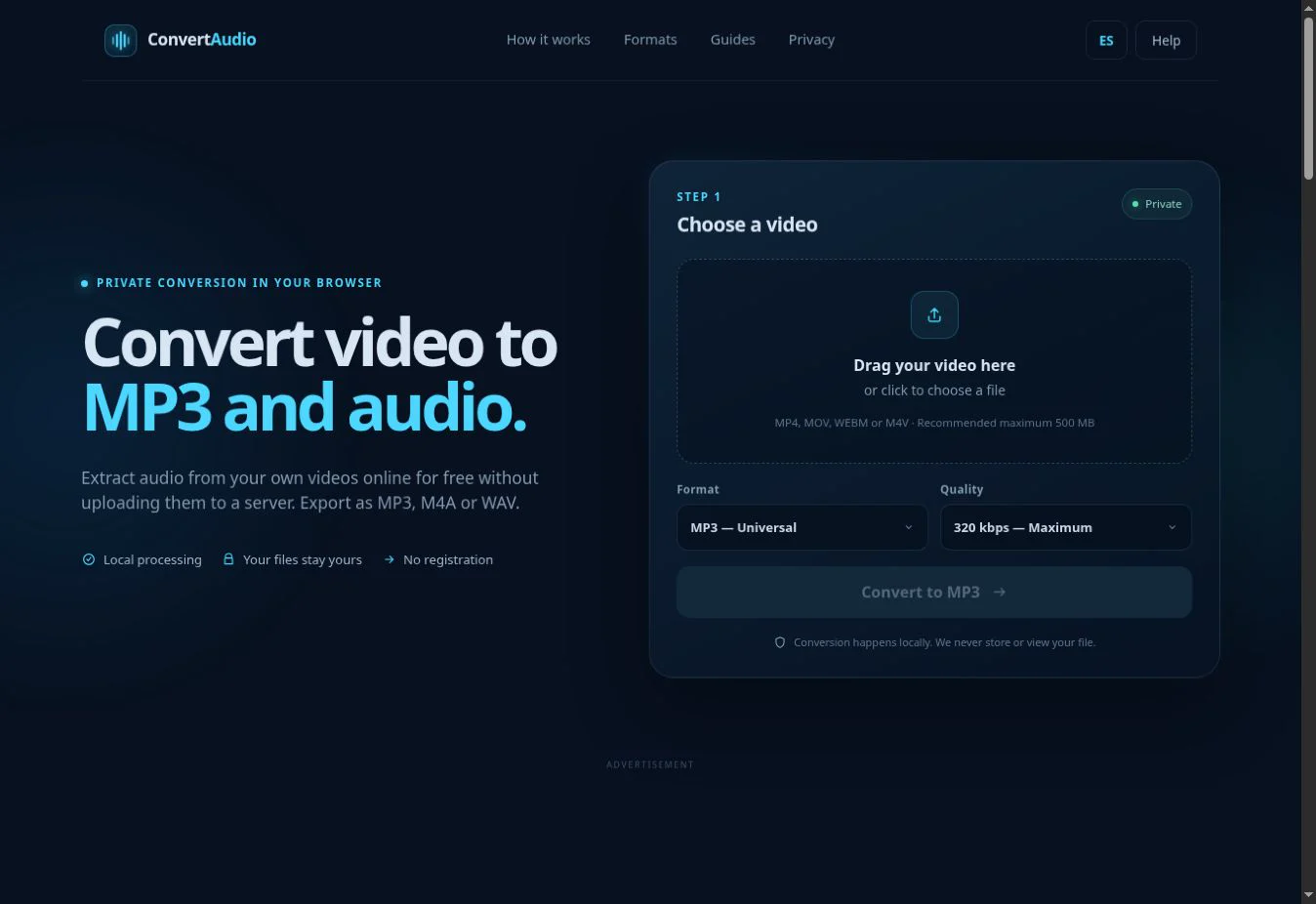
When you select a video in ConvertAudio, the browser reads its duration and estimates output size locally. The file is not submitted through an upload form or stored in an account.
Two conversion models
With server conversion, the browser uploads the file and waits for a remote result. This can use powerful hardware but requires trust in the provider and its deletion process. With local conversion, the browser downloads an engine and uses the user's CPU and memory.
What to check before selecting a file
- A specific explanation of where processing takes place.
- Accessible privacy policy and terms.
- No unnecessary account or permission requests.
- A secure HTTPS domain.
- Clearly explained limits and errors.
- Advertising separated from download buttons.
How ConvertAudio works
The file is passed directly to code running in the tab. FFmpeg WebAssembly reads the track and creates the output in memory. Only after completion does the page create a temporary local download link. Closing or reloading the page removes that link.
Which network connections still occur
The page downloads HTML, styles, JavaScript and conversion components. Cloudflare Web Analytics may collect aggregate navigation data. Google may load consent and advertising resources. None of those requests needs to include the selected video.
Risks that still exist
Local processing cannot protect an infected device, a malicious extension or a carelessly shared download. Keep the browser current, review extensions and store sensitive results in a protected location.
Authorized use
Privacy does not make every use legitimate. Process videos you own, public-domain material or content you are authorized to use. Do not use a converter to bypass access controls, protections or third-party rights.
Convert your own video
Check the estimated size and process the file directly in your browser.
Open ConvertAudio