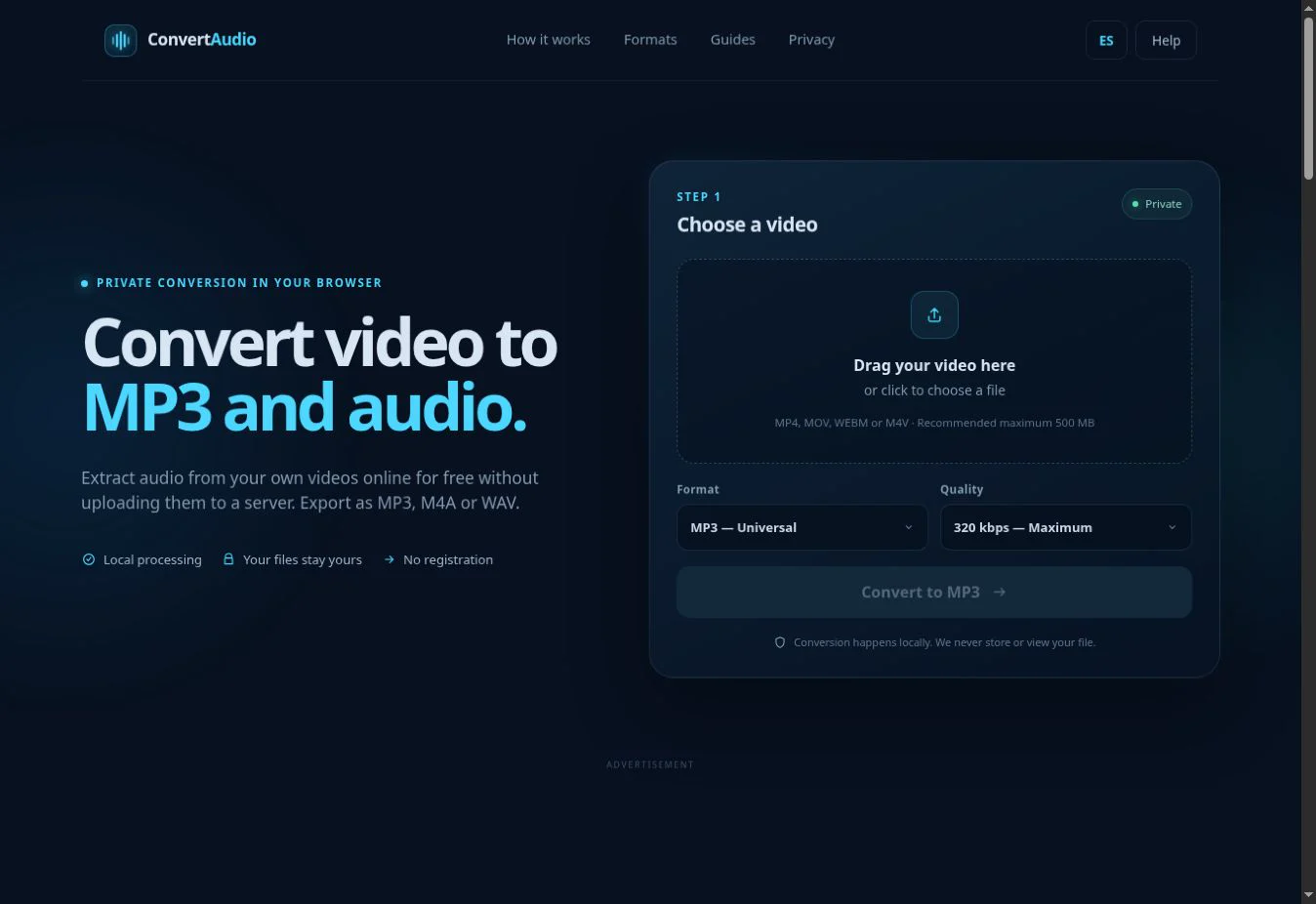
Open ConvertAudio, choose the video from Finder, select MP3 and download the result. Safari works, while Chrome or Edge may have more memory available for large files.
A 15-minute MOV converted to MP3 at 192 kbps is about 21.6 MB. The original camera file may occupy hundreds of megabytes.
Prepare the file in Finder
If the video is in Photos, export it first or use the browser file picker. If it is in iCloud Drive, wait for the local download to complete; a cloud icon means the full file is not yet available.
Steps on macOS
- Open the ConvertAudio home page.
- Drag the video from Finder or use the picker.
- Choose MP3 and a bitrate.
- Check the duration and estimated size.
- Start conversion and save the result in Downloads.
Safari, Chrome or Firefox
All three current browsers can run WebAssembly. Safari integrates well with macOS, while Chrome or Edge may behave better with large files depending on version and available memory. Trying another browser can resolve implementation-specific compatibility issues.
Which bitrate to use
128 kbps is enough for spoken notes. 192 kbps is the general recommendation for personal video. 256 or 320 kbps makes sense for a good music source. The estimator shows the size impact before conversion.
What leaves the Mac
The selected video is read from storage and processed in browser memory. It is not sent to ConvertAudio. The browser does download the conversion components and may load analytics or advertising according to consent.
If Finder or the browser stops responding
- Confirm that iCloud has finished downloading the video.
- Avoid selecting an alias or a file another app is still writing.
- Reload the page after a memory error.
- Try a short segment to check the codec.
Verify the downloaded MP3
Open the result in QuickTime Player or Music and check the beginning, a middle section and the end. Finder can display the file size, while Get Info confirms the duration. These checks make sure the browser completed the full recording before you move or share it.
If the output name already exists in Downloads, macOS may append a number. Rename the verified file clearly and retain the video until your backup is complete.
Convert your own video
Check the estimated size and process the file directly in your browser.
Open ConvertAudio