A 45-minute class produces approximately 43.2 MB at 128 kbps; the same content in WAV can exceed 450 MB.
Extract audio step by step
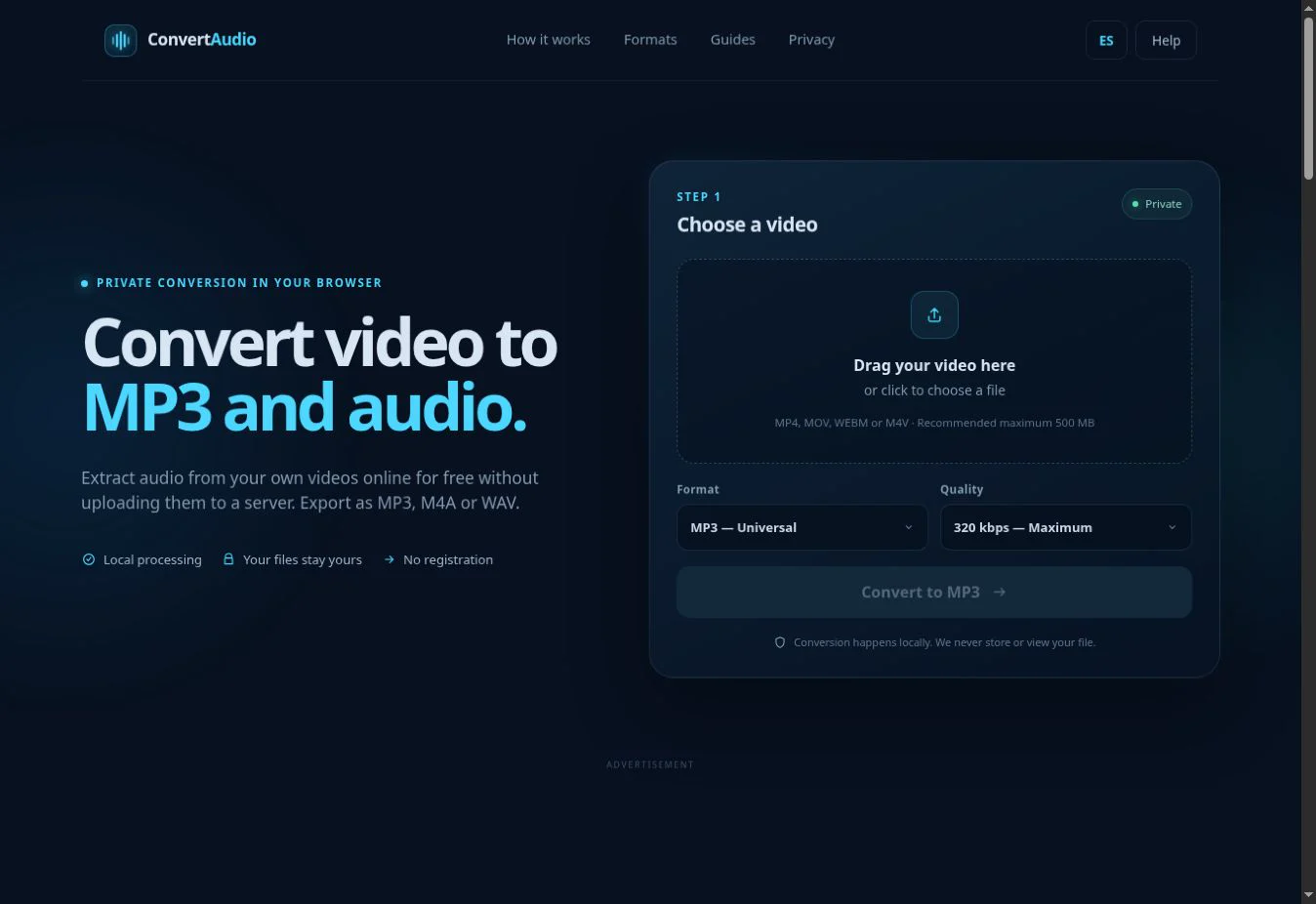
- Select an MP4, MOV, WEBM or M4V video from your device.
- Choose MP3, M4A or WAV for the intended use.
- For MP3 or M4A, select the bitrate.
- Start processing and download the result when ready.
Which audio format should you choose?
MP3 for compatibility
The straightforward option for playing and sharing audio on almost any device.
M4A for efficiency
Good quality at a compact size on modern devices and applications.
WAV for editing
Uncompressed PCM audio suited to later editing or processing.
192 kbps as a starting point
A sensible balance for most uses when choosing a compressed format.
What happens during extraction?
A video file normally contains a visual track and one or more audio tracks. The converter reads a compatible audio track, leaves the image out of the result and encodes the sound in your selected format.
Important limitations
Large files use more memory and can take longer, particularly on phones. A high bitrate cannot improve a poor recording, and WAV cannot restore detail lost to previous compression. Use only files you own, public-domain material or content you are authorized to process.
Extract the sound from your video
Choose the right format and process the file locally.
Open converter