Worked example
Thirty minutes of WEBM converted to MP3 at 192 kbps is approximately 43.2 MB.
How to convert WEBM to MP3
- Select the WEBM file you want to process.
- Choose MP3 and set the output bitrate.
- Start conversion and keep the tab open.
- Download the completed MP3 audio.
When WEBM conversion is useful
WEBM is common for browser recordings, screen captures and web content. Not every player accepts it, so MP3 is often more convenient when you only need the audio.
Codec compatibility
WEBM is a container and may hold different video and audio codecs. ConvertAudio reads a supported audio track and encodes it as MP3. Damaged files or unsupported codecs may not convert.
128 or 192 kbps is usually enough for speech. Music may benefit from 256 or 320 kbps when the source contains that detail.
No uploads or registration
The video is read from local memory and the MP3 is generated on your device. Use only your own, public-domain or authorized recordings.
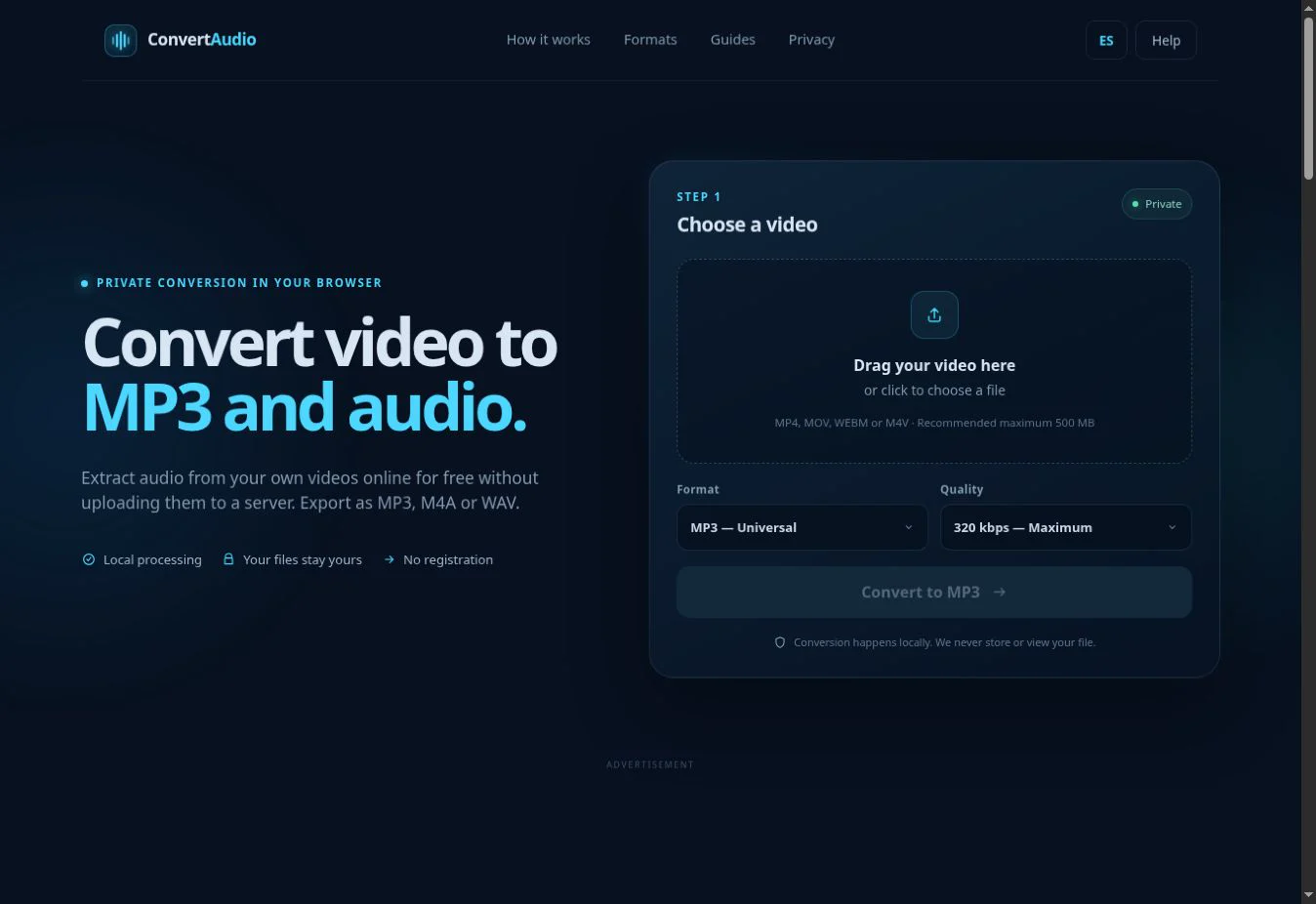
Extract audio from your WEBM
Select the file and let your browser create a compatible MP3.
Open converter