Worked example
Ten minutes of 16-bit stereo WAV is around 101 MB, compared with about 14.4 MB for 192 kbps MP3.
How to extract WAV audio from video
- Select an MP4, MOV, WEBM or M4V video.
- Choose WAV in the format selector.
- Start the conversion and keep the tab open.
- Download the WAV when processing finishes.
When WAV is the right choice
WAV is useful for editing, voice cleanup, mixing and archiving because ConvertAudio generates uncompressed PCM audio. It avoids adding another lossy compression stage during export.
WAV cannot improve the source. If the video's audio was already compressed, it preserves the available information but cannot restore discarded detail.
WAV compared with MP3 and M4A
| Format | Best for | File size |
|---|---|---|
| WAV | Editing and uncompressed audio | Very large |
| MP3 | Broad compatibility | Small |
| M4A | Efficient modern playback | Small |
Size and performance
A WAV can be much larger than an MP3 or M4A of the same duration. Make sure your device has enough memory and storage, especially for long videos.
Create a WAV from your video
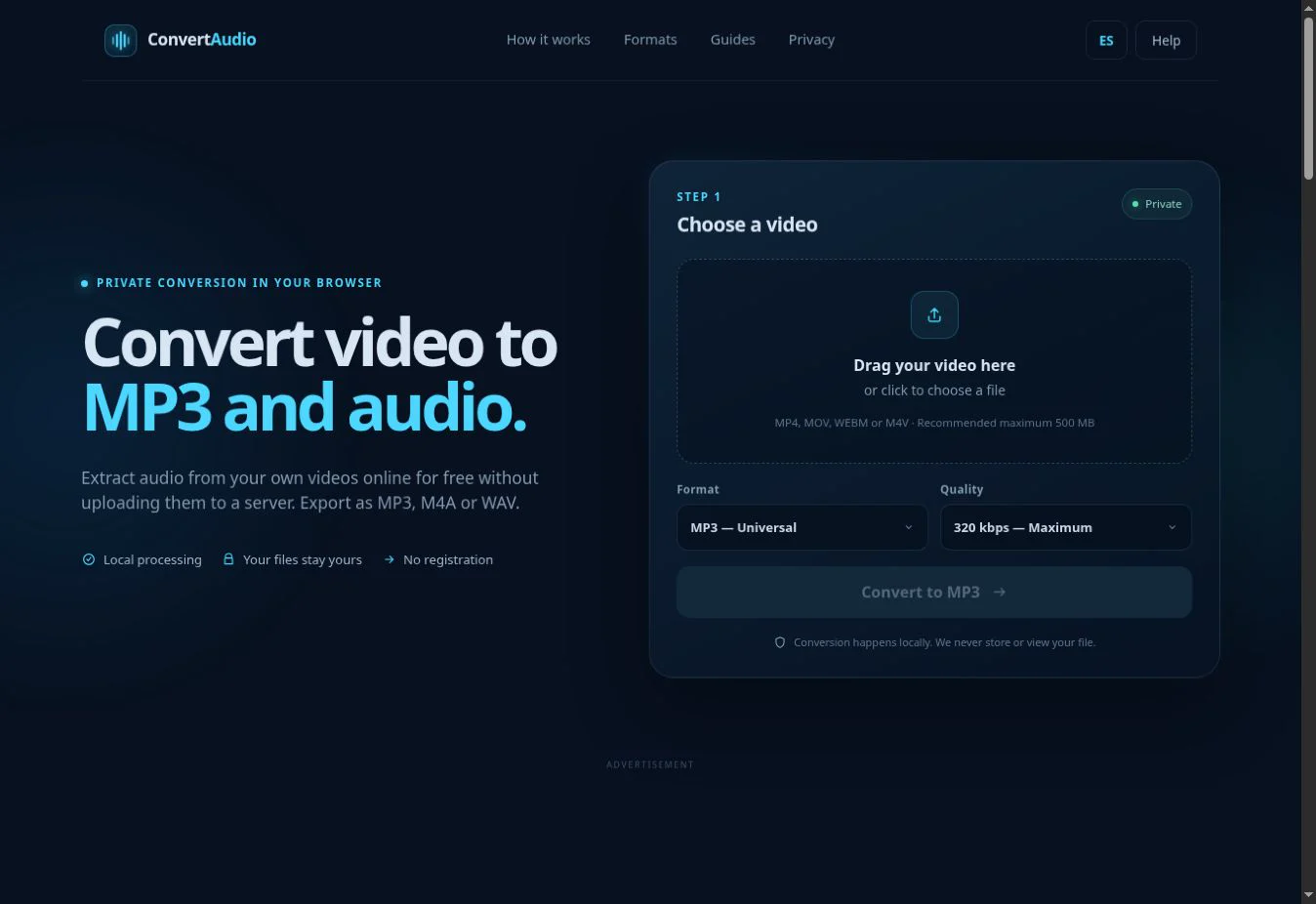
Select WAV in the converter to get an editing-friendly audio track.
Open WAV converter