A 12:30 MP4 produces approximately 18 MB at 192 kbps MP3. Picture resolution and video bitrate do not affect that calculation.
How to convert MP4 to MP3
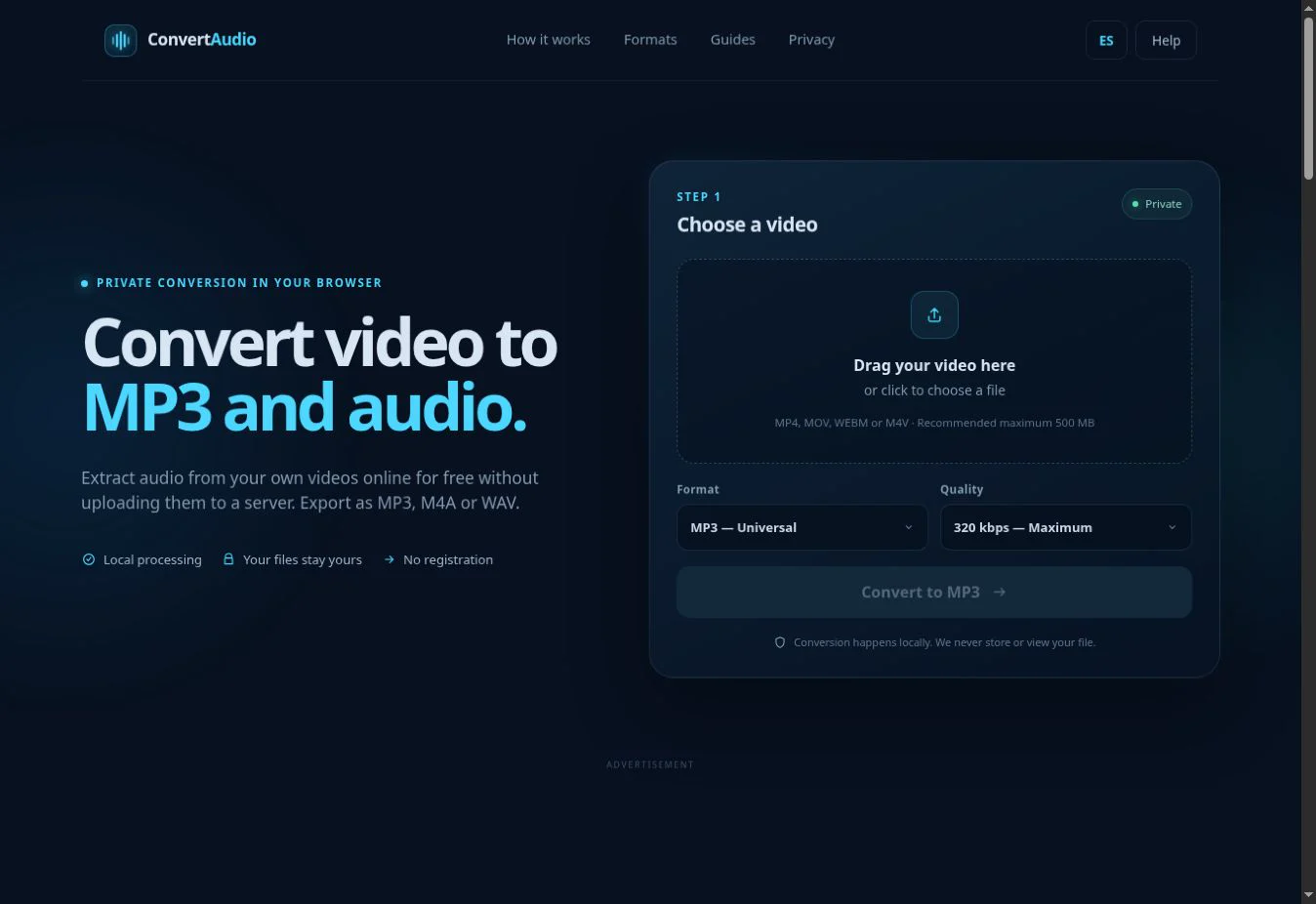
- Open the converter and select an MP4 from your device.
- Choose MP3 and select 128, 192, 256 or 320 kbps.
- Start the conversion while your browser extracts the audio.
- Download the completed MP3. Your original video remains unchanged.
Which MP3 quality should you choose?
192 kbps: balanced
A practical choice for voice, personal videos and everyday listening.
320 kbps: more detail
Creates a larger file and preserves more of the detail available in the source.
128 kbps: compact
Useful for voice recordings or when file size matters most.
Source quality matters
A higher bitrate cannot restore information already missing from the original audio.
MP4 and MP3 serve different purposes
MP4 is a container that can hold video, audio, subtitles and other data. MP3 contains compressed audio only. ConvertAudio reads a compatible audio track from the MP4 and encodes it as a separate MP3 file.
Private browser processing
The conversion engine runs on your device. Longer videos need more memory and may take more time on less powerful devices. Only process your own, public-domain or authorized files.
Convert your MP4 now
Choose MP3, select the quality and download the audio when local processing finishes.
Open converter