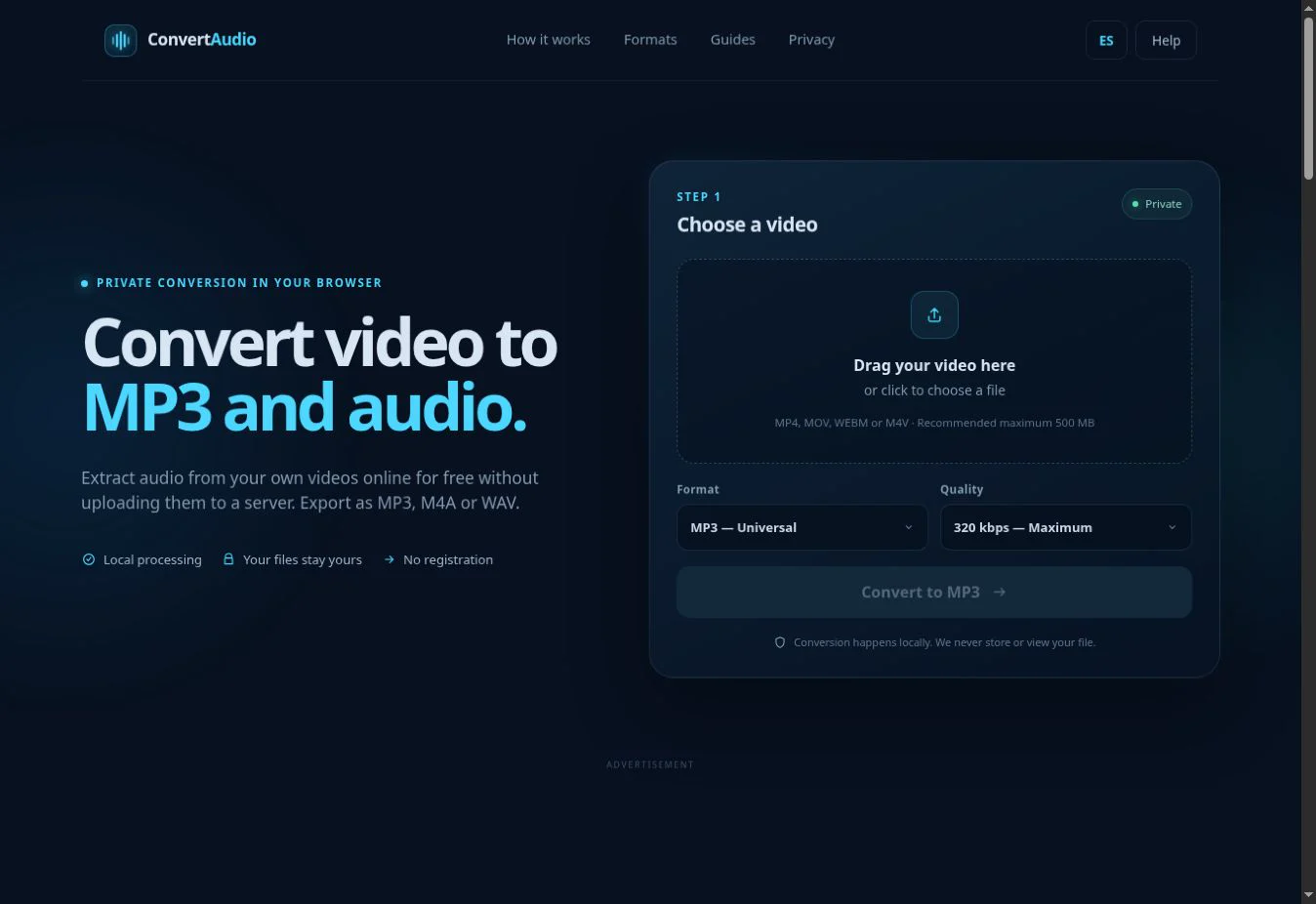
Download or save the video from WhatsApp, open ConvertAudio, select it, choose MP3 and convert. For speech, conversations and ordinary shared clips, 128 or 192 kbps is usually enough.
A 2:45 WhatsApp video produces approximately 2.6 MB at 128 kbps MP3 or about 4 MB at 192 kbps.
First, save the video to your device
On iPhone
Open the video in the chat, tap Share and save it to Photos or Files. If Safari does not display it in the picker, use Save to Files and choose that location from the converter.
On Android
Open or download the video in WhatsApp. It will normally become available in the gallery or a WhatsApp media folder through the system file picker. The exact location varies by Android version and phone maker.
On WhatsApp Web or desktop
Open the video, use the download button and save it to a familiar folder such as Downloads. You can then select it in your browser.
How to turn a WhatsApp video into MP3
- Open ConvertAudio in your browser.
- Select the saved video. Shared videos are commonly MP4, although the format may vary.
- Choose MP3 as the output format.
- Select 128, 192, 256 or 320 kbps for the intended use.
- Tap Convert to MP3 and wait for processing to finish.
- Download the MP3 and rename it if that will make it easier to identify.
Which quality should you choose?
| Bitrate | Best for | Approximate size per minute |
|---|---|---|
| 128 kbps | Speech, messages and smaller files | ≈ 0.96 MB |
| 192 kbps | General listening and shared music | ≈ 1.44 MB |
| 256 kbps | More detail at a moderate size | ≈ 1.92 MB |
| 320 kbps | Highest available MP3 bitrate | ≈ 2.40 MB |
These are estimates derived from bitrate. Metadata and exact duration can change the final size slightly. WhatsApp may already have compressed the video; 320 kbps cannot restore detail lost earlier.
Can you send the MP3 through WhatsApp again?
Yes. In a chat, attach a document or audio file and select the saved MP3. On many phones you can also share it directly from Files or the file manager. The recipient receives the sound without the video's picture.
Common problems and fixes
- You cannot find the video: return to WhatsApp and explicitly save it to Photos, Gallery, Files or Downloads.
- Conversion fails immediately: verify that the video plays and that its download completed.
- The MP3 sounds quiet or distorted: check the original; conversion cannot repair a clipped or heavily compressed source.
- The result is too large: choose 128 or 192 kbps, or trim the video first if you only need one section.
- The mobile browser closes: keep the page visible, free memory and try a shorter file.
Privacy, permission and rights
Even with local processing, the content may belong to someone else. Convert only material you own or have permission to use. Do not share private conversations, images or voices without consent.
Convert your WhatsApp video
Select the saved video and download only its audio.
Convert to MP3