Use 128 kbps for speech and smaller files, 192 kbps for balance, 256 kbps to preserve more detail and 320 kbps for the highest quality available within MP3. No bitrate can improve a source that already sounds poor.
For ten minutes: 128 kbps ≈ 9.6 MB; 192 kbps ≈ 14.4 MB; 256 kbps ≈ 19.2 MB; 320 kbps ≈ 24 MB.
What does kbps mean in an MP3?
kbps means kilobits per second. With constant bitrate MP3, a 320 kbps file allocates more data to every second of sound than a 128 kbps file. The encoder can retain more information, while the result occupies about two and a half times as much space.
Bitrate is not the only variable. Source quality, encoder, type of audio and playback equipment all matter. Exporting a noisy interview at 320 kbps does not make the recording clean.
128 vs 192 vs 256 vs 320 kbps
| Bitrate | Size/minute | Size/hour | Recommended use |
|---|---|---|---|
| 128 kbps | ≈ 0.96 MB | ≈ 57.6 MB | Speech, classes, meetings, messaging |
| 192 kbps | ≈ 1.44 MB | ≈ 86.4 MB | General listening and casual music |
| 256 kbps | ≈ 1.92 MB | ≈ 115.2 MB | Music with more detail |
| 320 kbps | ≈ 2.40 MB | ≈ 144 MB | Highest MP3 quality, more storage |
Sizes are approximate and use decimal units. They are calculated from bitrate; metadata and non-round durations can cause small differences.
Can you hear a difference between 192 and 320 kbps?
It depends on the material and listening conditions. On phone speakers, in noisy environments or with speech recordings, the difference may be minimal. With complex music, good headphones and attentive listening, some people hear more detail or fewer artifacts at higher bitrates.
The source matters too. If a video's audio was already compressed at low quality, converting it to 320 kbps makes a bigger file but cannot rebuild information lost earlier.
Which bitrate fits each use?
Speech, meetings and classes: 128 kbps
Speech needs less information than music. This option saves space while usually preserving intelligibility.
General use: 192 kbps
The most practical starting point for casual music, personal videos and files you intend to share.
Music and careful listening: 256 kbps
Provides extra margin without reaching the size of 320 kbps. A sensible choice when source quality is unknown.
Quality first: 320 kbps
Choose the highest rate when storage and transfer time are secondary concerns.
Is 320 kbps MP3 the same as WAV?
No. MP3 uses lossy compression even at 320 kbps. WAV commonly stores uncompressed PCM and uses much more space. If you plan to edit, mix or process the sound repeatedly, extracting audio as WAV can avoid additional loss. For listening and sharing, MP3 is usually more practical.
Common bitrate mistakes
- Converting repeatedly: each new lossy conversion can add degradation.
- Assuming 320 kbps improves the source: output bitrate cannot restore missing detail.
- Using WAV for everything: it consumes far more storage and does not always provide an audible benefit.
- Choosing 128 kbps before editing: preserve a higher-quality source if you intend to process the audio.
- Ignoring duration: high bitrate has a much larger storage effect on long recordings.
Convert at the right quality
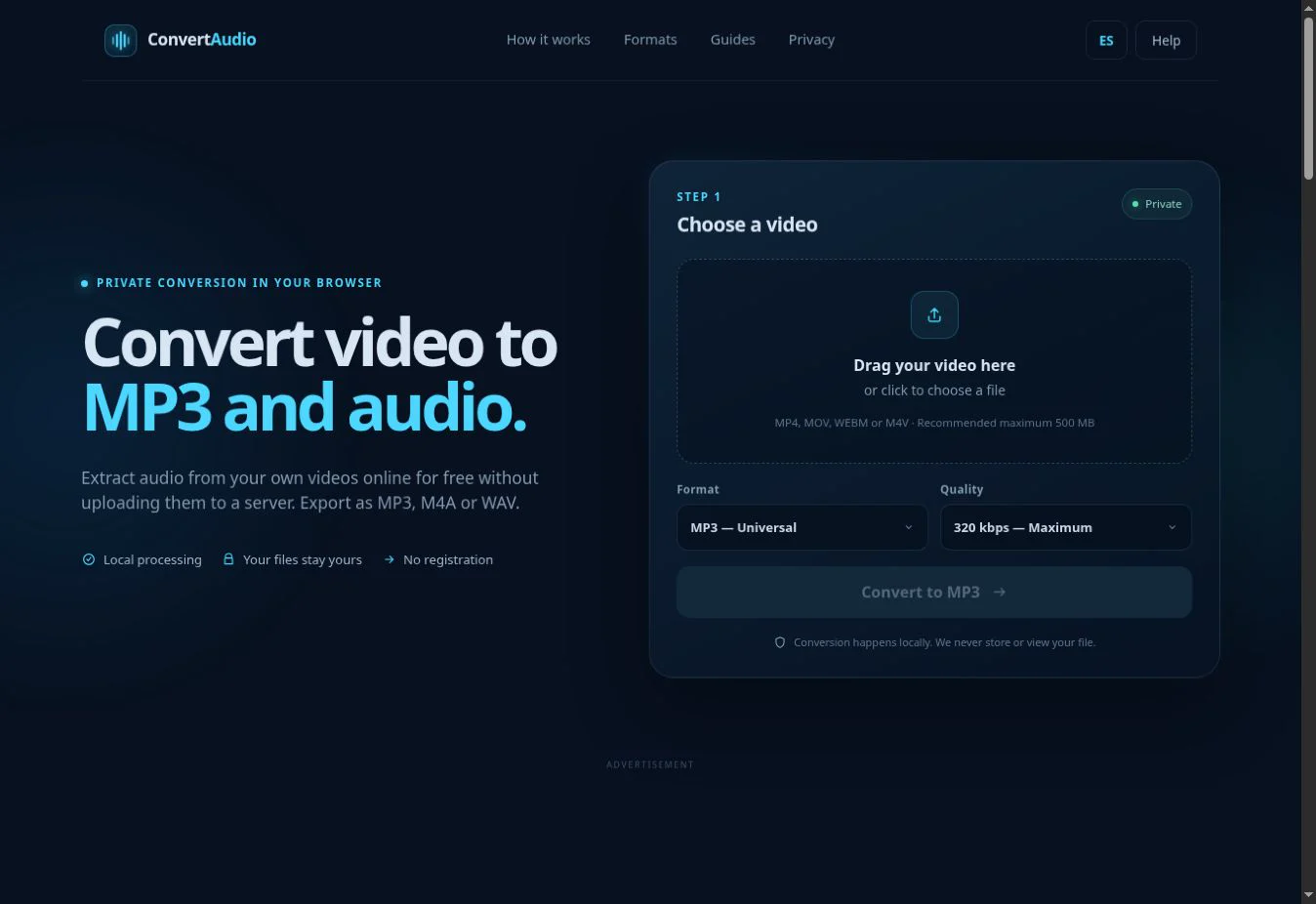
Select MP3 and choose 128, 192, 256 or 320 kbps before processing your video.
Open converter